Learn how intuitive dashboard tools and zero-touch configuration simplify VPN deployment, enable real-time performance monitoring, and boost network resiliency for businesses.

In today's digital world, having a fast and secure VPN (Virtual Private Network) is very important for businesses. This article will explore how using easy-to-install dashboard tools can help improve VPN performance. By understanding the challenges of VPNs and how to set them up effectively, companies can enjoy better security and speed. We will also look at real-life examples and future trends in VPN technology.
VPNs can face several issues that slow down their performance. Here are some common bottlenecks:
Network latency is a significant factor affecting VPN performance. High latency can result in:
When using a VPN, there is often a trade-off between security and performance. Here are some points to consider:
Finding the right balance between security and performance is essential for a successful VPN experience.
In summary, addressing these challenges is vital for enhancing VPN performance. By understanding the common bottlenecks, the impact of latency, and the balance between security and performance, organizations can improve their VPN setups effectively.
Additionally, exploring a cost-effective SD-WAN approach can enhance VPN capabilities, improving network resiliency and bandwidth efficiency.
Setting up a VPN can be tricky, but intuitive installation makes it much easier. With the right tools, anyone can get a VPN running smoothly without needing to be a tech expert.
Dashboard tools help simplify the VPN setup process. They provide a clear view of what needs to be done, making it easier to manage settings and configurations. Here are some benefits of using dashboard tools:
Zero-touch configuration is a big step forward in VPN technology. It allows devices to be set up automatically without manual input. This means:
User-friendly interfaces are essential for reducing the workload on IT teams. They allow non-technical staff to manage VPN settings effectively. This leads to:
Intuitive installation tools not only make VPN setup easier but also enhance overall network performance and security. By simplifying the process, businesses can ensure a more reliable and efficient VPN experience for all users.
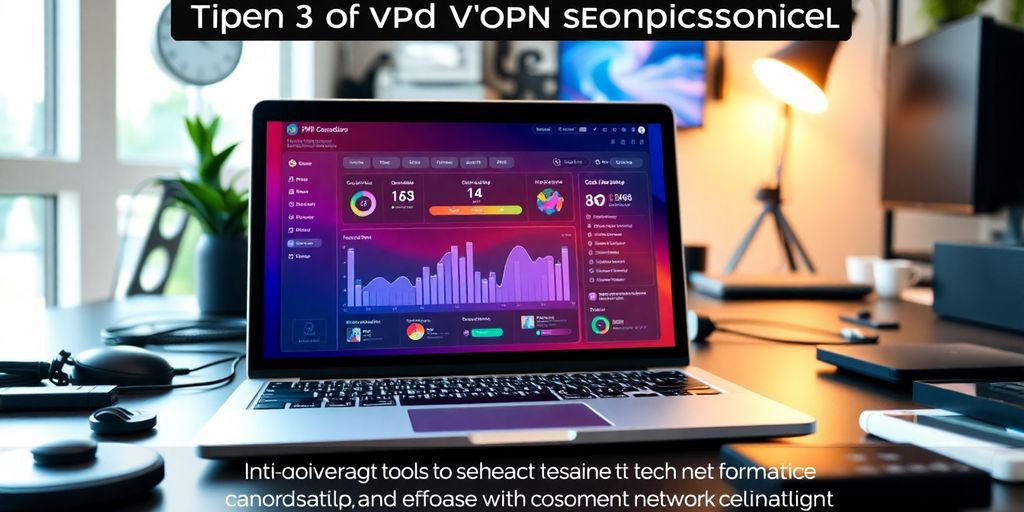
Dashboard tools are essential for monitoring VPN performance. Here are some key features:
Real-time alerts help IT teams respond quickly to issues. Some benefits include:
Custom dashboards allow users to tailor their view of the network. This can include:
Using dashboard tools can significantly improve your ability to manage VPN performance effectively. They provide a clear view of your network, allowing for quick adjustments and better overall security.
Auto VPN is a feature that simplifies the connection between different sites. It allows for quick and easy setup of site-to-site connections. This means less time spent on configuration and more time for your business. Here are some benefits of Auto VPN:
To ensure that your VPN runs smoothly, it’s important to maximize bandwidth. Here are some strategies:
Integrating security features into your VPN is crucial for protecting your data. Here are some key points to consider:
By focusing on these advanced features, businesses can enhance their VPN performance and ensure a more resilient network. The right tools can make all the difference in maintaining a secure and efficient connection.

Many small businesses have successfully implemented VPN solutions to enhance their operations. Here are some key points:
Large enterprises have also benefited from VPN implementations. Some notable outcomes include:
From these case studies, several lessons can be drawn:
Implementing a VPN can transform how businesses operate, providing security and flexibility that are essential in today’s digital landscape.
These case studies highlight the importance of VPNs in both small and large organizations, showcasing their ability to enhance security and improve operational efficiency.
The shift to cloud-based VPNs is becoming more common as businesses look for flexible and scalable solutions. This trend is driven by the need for remote access and the increasing number of devices connected to the internet. Cloud-based VPNs offer several advantages:
Artificial Intelligence (AI) and Machine Learning (ML) are starting to play a significant role in managing VPNs. These technologies help in:
With more people working on mobile devices, the demand for mobile VPNs is increasing. These VPNs are designed to provide secure connections on smartphones and tablets, ensuring that sensitive data remains protected. Key features include:
As remote work continues to grow, the need for effective VPN solutions will only increase. Organizations must adapt to these changes to ensure secure and efficient operations.
In conclusion, improving VPN performance is essential for businesses today. With user-friendly installation and real-time monitoring tools, companies can easily manage their VPNs. This not only makes it simpler for IT teams but also ensures a smoother experience for users. By using these advanced tools, businesses can enhance their network's reliability and efficiency, making it easier to adapt to changing needs. Overall, investing in these solutions can lead to better security and productivity, helping companies thrive in a digital world.
VPNs can have problems like slow speeds, connection drops, and high latency. These issues can make it hard to use the internet smoothly.
Network latency is the delay before data starts to transfer. High latency can lead to lag and slow response times when using a VPN.
Yes, you can find a balance by choosing a VPN that offers strong security features while still providing good speed.
Zero-touch configuration means you can set up a VPN without needing to manually change settings, making it easier and faster.
Look for features like real-time monitoring, alerts for issues, and customizable views to help you manage your VPN effectively.
Yes, trends include more cloud-based VPNs, the use of AI for better management, and an increase in mobile VPN usage.
Connect with us to explore our scalable solutions tailored to your unique needs and receive a personalized free quote.